Strong passwords, password-protected PDFs, backups and care when sending. See how to protect personal digital documents step by step, based on CERT.br.
See cloud appsIf you're wondering how to protect personal digital documents, the short answer is to combine four precautions: strong, different passwords for each account, encryption on PDF files, backups stored somewhere else, and caution when sharing. These measures follow the guidelines of the Internet Security Handbook, maintained by CERT.br.
Documents such as RG (national ID), CPF (taxpayer ID), proof of address, payslips and certificates usually contain personal data. The General Data Protection Law (Law No. 13.709/2018) covers this kind of information, and the National Data Protection Authority (ANPD) is the body that provides guidance on the subject. So taking care of the file also means taking care of your data.
How do you create strong passwords to protect your digital documents?
The password is the first door. If it is weak or reused, whoever gets into one account can get into others. The Internet Security Handbook from CERT.br recommends long passwords that are hard to guess, without using obvious data such as name, date of birth or simple sequences.
In practice, the path usually looks like this:
- Build passwords from several words or a long phrase, mixing uppercase and lowercase letters, numbers and symbols.
- Use a different password for each service, especially for email, banking and cloud storage.
- Store your passwords in a password manager, instead of writing them in a notes app left open on your phone.
- Turn on two-step verification whenever the service offers that option.
If your memory can't handle it all, a password manager solves the problem. It creates and stores long passwords, and you only need to remember one strong master password. It's worth writing that master password down and keeping it in a secure physical place, away from the computer.
How do you put a password on a PDF, step by step?
PDF is one of the most widely used formats for sending documents, and many reading and editing programs let you protect it with a password. Menu names vary from one program to another, so the steps below serve as a general guide.
- Open the file in the PDF program you use, such as a reader installed on your computer.
- Look for options such as Protect, Security or Encrypt.
- Choose the option to set a password to open the document and type a strong password that isn't the same as your other accounts.
- Save the file under a different name, so you don't overwrite the original version without a password.
- Test it by opening the file again to confirm the password works.
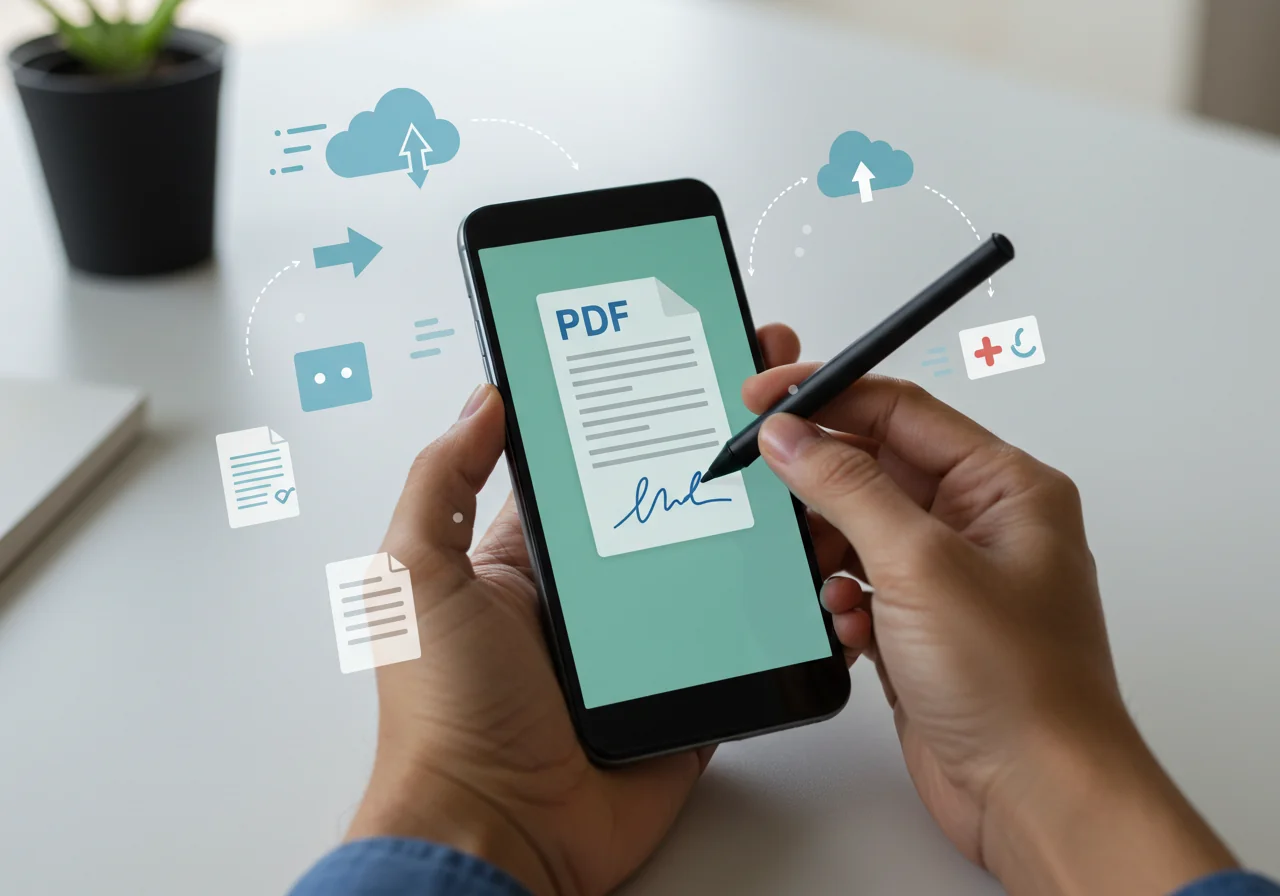
Keep the PDF password separate from the file. Sending the password in the same email as the PDF defeats much of the protection. If you need to pass the password to the recipient, use another channel, such as an app message or a phone call. For those who want to sign documents without printing, also see how to sign PDFs on your phone without printing.
How do you back up personal digital documents?
A backup is a safety copy. It exists in case you lose your phone, your computer or access to an account. Without a copy outside the device, a common problem becomes permanent loss.
A practice widely used in the field is the 3-2-1 rule: three copies, on two different types of media, with one of them stored somewhere else. In practice, it could look like this: the original on your computer, a copy on an external hard drive kept at home and another on a cloud service. If you want to compare free storage options, check cloud storage apps with the most free space.
Remember to update your backup from time to time. A copy from two years ago won't have your latest payslip or certificate.
What precautions should you take when sharing documents online?
Sharing is the moment the document leaves your control. Before sending, think about three questions: who really needs to see it, through which channel, and for how long. A few habits help:
- Send only the necessary pages, instead of the complete file.
- Confirm the recipient before clicking send, especially with emails that have similar names.
- Prefer links with view-only permission and an expiration date, when the service offers it.
- Don't post photos of documents on social media or in open group chats.
- Delete temporary copies from your downloads folder after using them.
When you ask someone else or a company for a document, remember that the LGPD requires that the use of data have a stated purpose. You can ask why they need the file and whether there is another way to verify the information. To exchange messages with less exposure, it's worth knowing private, encrypted messaging apps.
What common mistakes leave personal documents exposed?
Some habits appear frequently and are easy to fix.
Using the same password on several sites
When a service suffers a leak, a repeated password becomes the key to your other accounts. Changing each account's password one by one is tedious, but it prevents a domino effect.
Sending a photo of the document through any channel
A photo of your RG sent in a group chat stays stored on every participant's device. Prefer sending the file directly to whoever needs it and deleting the conversation afterwards, if appropriate.
Keeping everything in a folder with a public link
Cloud folders with a public link can be accessed by anyone who has the address. Review from time to time who has access and disable links that are no longer needed.
Frequently asked questions about personal digital documents
Do I need a special app to protect documents?
Not necessarily. Many PDF programs already offer password protection, and two-step verification and password managers are usually found in the settings of the accounts themselves. Specialized apps can help, but they don't replace basic habits.
Is a photo of a document on your phone dangerous?
The photo itself is not the problem. The risk appears when it is left in open places, such as social networks or groups with many people. Keep the image in a protected folder and send it only to those who have a reason to receive it.
Where to get answers about personal data?
To understand your rights regarding personal data, the ANPD website explains what the LGPD provides. For technical security questions, the Internet Security Handbook from CERT.br offers practical guidance.
This content is informational and does not replace the guidance of an information security professional or a lawyer specialized in data protection.